

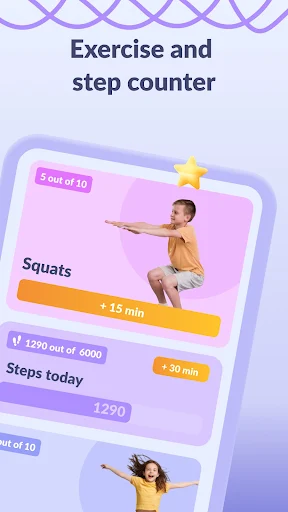
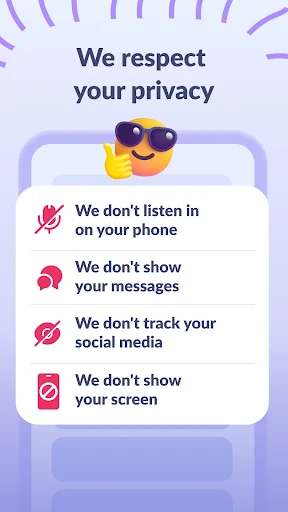
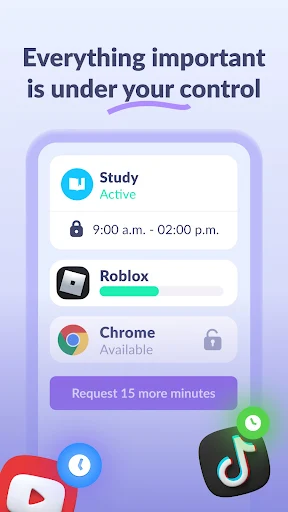
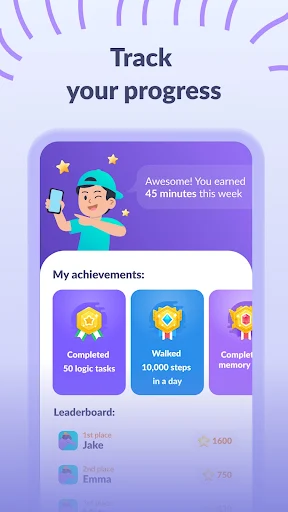
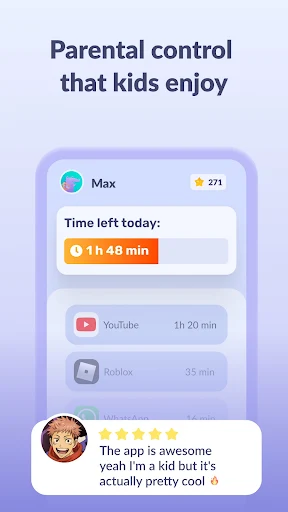
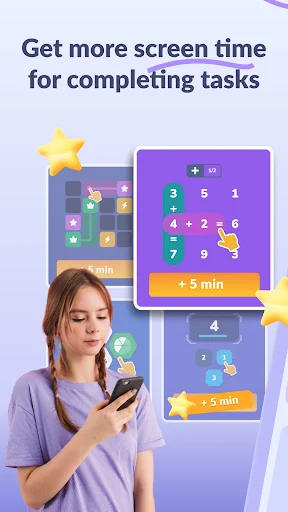
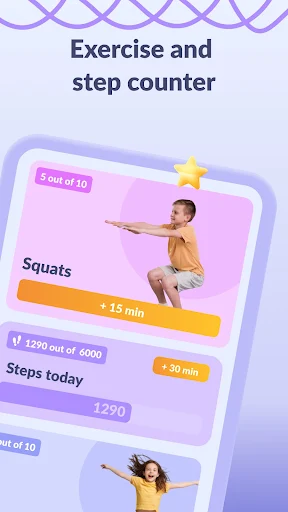
The Alli360 by Kids360 app functions as a companion tool for parental control, designed to be installed on a teenager’s device to manage their screen time. It works in conjunction with the Kids360 for parents app, which parents install on their own mobile device. This setup allows parents to monitor and regulate how their teen uses their smartphone, specifically focusing on entertainment applications and games. The app’s primary purpose is to help parents establish healthier digital habits for their school-aged children by providing control over app access and usage duration.
Setting Time Limits and Schedules
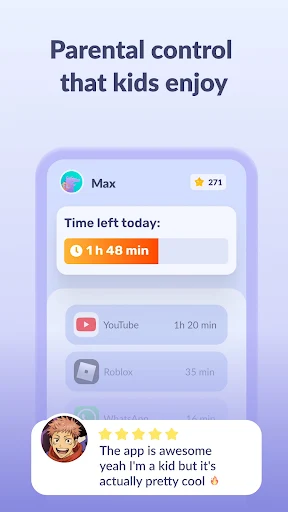
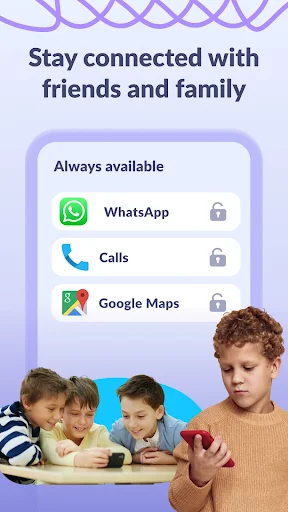
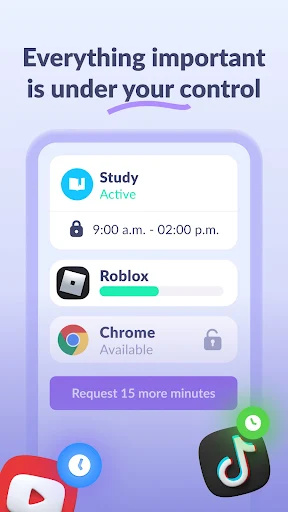
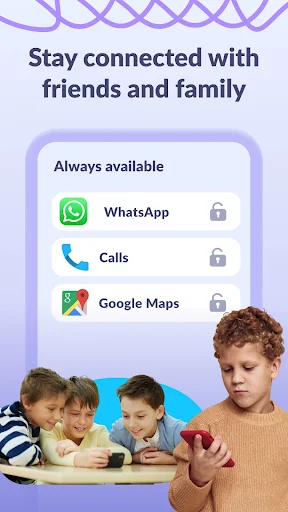
Alli360 enables parents to implement specific time limits for individual applications and games. This means a parent can decide exactly how long a teen can use a particular app within a given day. Beyond daily limits, the app also supports setting custom schedules. These schedules allow parents to designate specific times, such as school hours or evening rest periods, during which entertainment apps and social networks will be unavailable. Essential communication apps for calls, messages, and services like taxis remain accessible at all times, ensuring the teen can always be contacted.
Application Management and Usage Monitoring
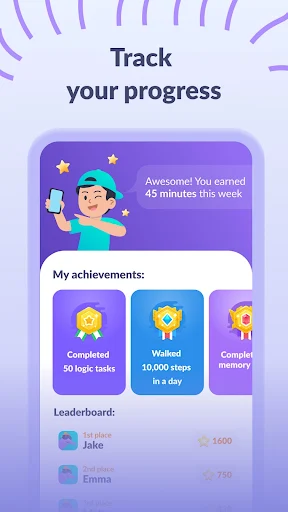
The app provides a comprehensive list of all applications on the teen’s device, from which parents can select specific apps to limit or block entirely. A core feature is the ability to track time spent on the smartphone. Parents can view detailed reports on how much time their teen spends on their device and identify their most frequently used applications. This insight helps parents understand their teen’s digital consumption patterns.
Installation and Consent
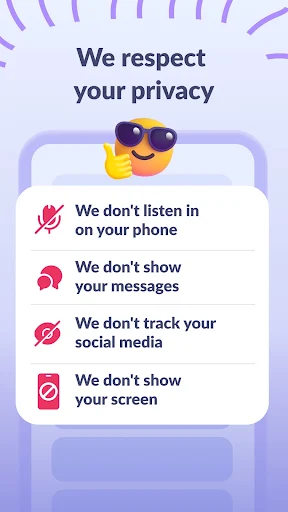
To begin using the service, parents must first install the Kids360 for parents app on their own device. Subsequently, Alli360 is installed on the teen’s phone. A link code from the parental device is then entered into the teen’s app to establish the connection. It is important to note that Alli360 cannot be installed or used on a child’s phone without their explicit knowledge and consent. Personal data handling adheres strictly to legal and GDPR policies.
Support and Availability
Users can access 24-hour support within the app or by emailing support@kids360.app for any technical issues. Basic smartphone time monitoring is available for free once the second device is connected. However, the advanced time management functions for applications are accessible during a trial period and require a subscription for continued use. The app requests permissions such as Display over other apps to function correctly.







Write a review